BIG NOTES
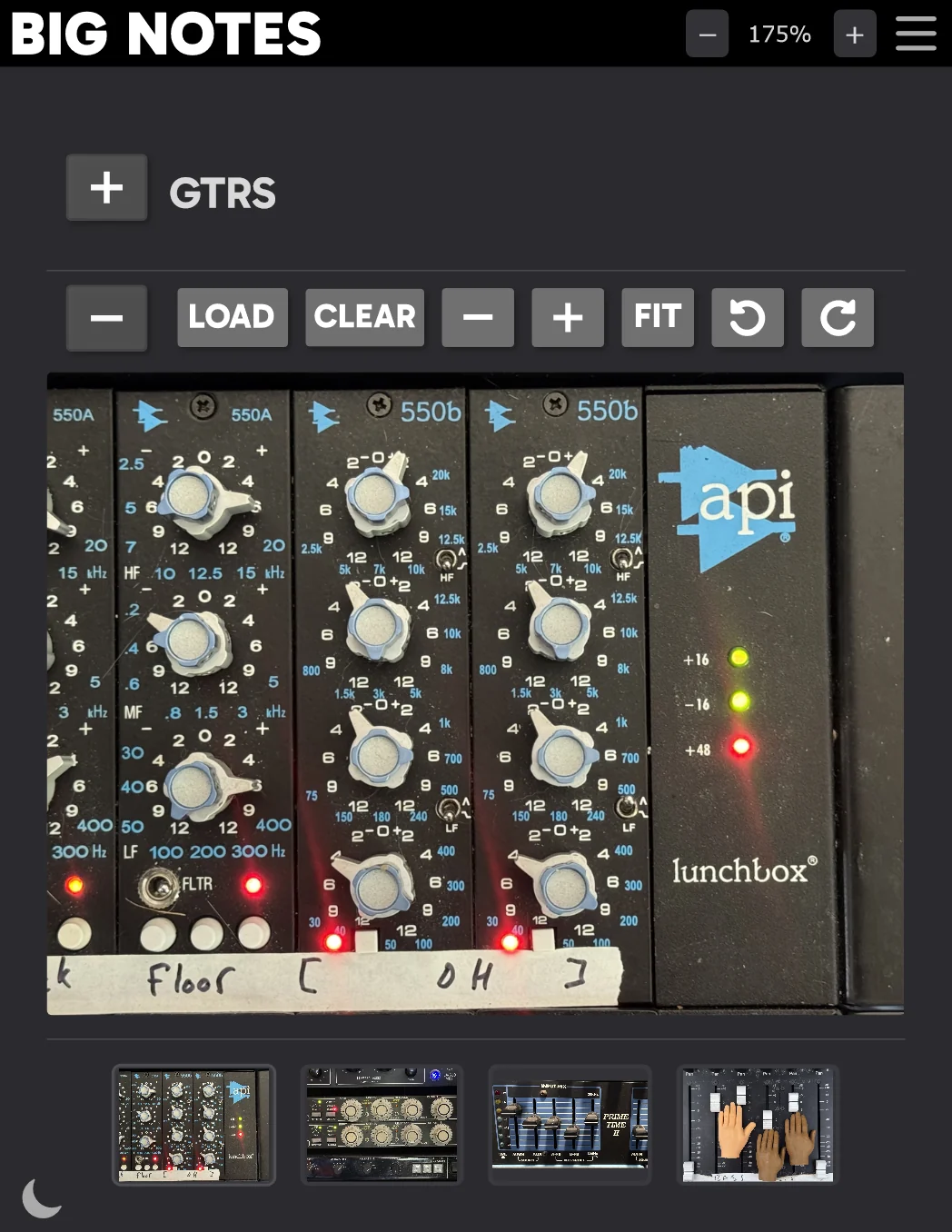
Recall every knob, fader, and mic position. Snap photos of your outboard gear, pedal boards, synth patches, and mic setups — they save right inside your DAW session, exactly where you need them.
$18 · One-time purchase · 14-day free trial
Phone-to-Plugin in Seconds
Each instance generates a unique QR code. Scan it with your phone, take a photo of your compressor settings or mic placement, and it lands straight in the plugin, no cables, no file transfers, no leaving the studio chair.
4 Photo Slots Per Instance
Document every angle. Front panel, rear connections, mic position, room placement. Four slots per instance so you capture the full picture. Zoom, pan, and rotate each image independently.
Session Notes
Write down gain staging values, patch notes, signal chain details, or anything that won't survive a photo. Edit from the plugin or from your phone, syncs in real time.
One Instance Per Channel
Drop Big Notes on every track that touches hardware. Vocals get the mic setup and preamp settings. Drums get the compressor and room photos. Guitar gets the pedal board and amp config. Open the session six months later and recall everything.
Light & Dark Themes
Switch between light and dark mode to match your DAW or the studio lighting. The phone upload page follows the same theme automatically.
VST3 · AU · AAX · CLAP
Runs in every major DAW on Windows, macOS, and Linux. Logic, Ableton, FL Studio, Cubase, Pro Tools, Reaper, Bitwig, Studio One
How it works
Three steps to total recall
Drop it on a track
Insert BIG NOTES on any channel that uses hardware — outboard, amps, pedals, mics, synths. One instance per signal path.
Scan, snap, done
Scan the QR code with your phone. Take photos of your gear settings. They appear in the plugin instantly — saved with the session.
Recall anytime
Open the session weeks or months later. Every knob position, every mic placement, every patch — right there on the track where you need it.
Try it free for 14 days
Fully functional, no feature limits, no credit card needed
14-day trial · All features included · No credit card required
Activate a license anytime from the plugin's about panel